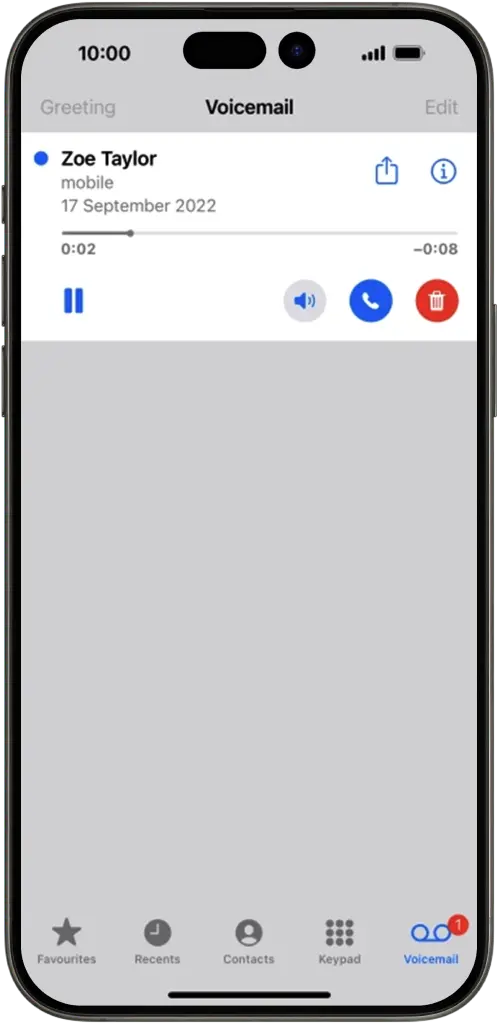
Visual Voicemail
View, manage and share voicemail messages on your iPhone

Visual Voicemail is an easy way to manage all your voicemails on your iPhone without having to dial into your voicemail service.
Features

View messages on your phone without calling your voicemail service

Listen to your messages in any order

Call back the person who left the message by selecting the call back option

Share your messages with friends

Save messages to your phone
To activate
To set up Visual Voicemail you’ll need an iPhone 5s or later with iOS 12 or higher and mobile data turned on.
- 1 Go to the home screen and select the Phone app.
- 2 Choose voicemail
- 3 Choose Set up and create your voicemail password, then tap done.
- 4 Select Custom or Default. If you choose Custom, you can record a greeting.
- 5 Press Save and you're good to go!
Visual Voicemail is included in your plan at no extra charge, however there may be additional charges if using abroad.