
How to activate a new SIM
How to insert your new SIM
How do I know if my SIM has been activated?
We'll send you a text as soon as we've detected your SIM. You'll need to be in an area that our network covers. If it’s taking a while, you may need to restart your device before you can pick up a signal.
Get started with My Account
Once your SIM is ready, you can register with My Account. It's the easiest way to keep track of your usage and manage your account.
 Top-up
 - Purchase SIM plans and make them recur
- View your transaction history
- Opt-in for the latest news and offers
- Manage your preferences
Keep your old number
It's really easy and completely free to transfer your old number to your new SIM. To stay connected, just follow these simple steps.
Switch to a SIM plan
Get more for your mobile with a great value SIM plan. Whether it's unlimited texts, unlimited minutes or as much (or as little) data as you need, find your perfect plan from just £4 a month.
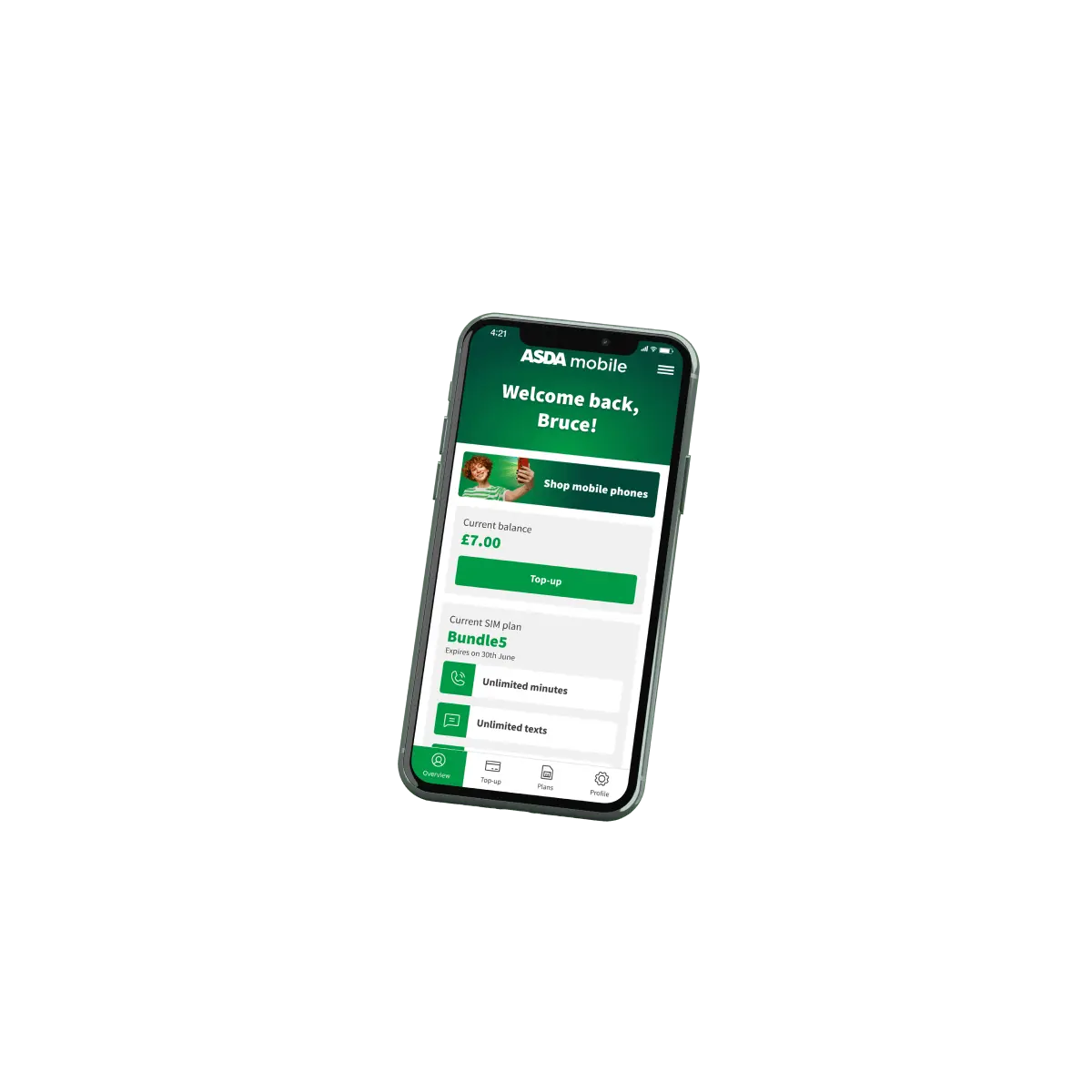
Our mobile app is here
Manage your account on the move.
Download for free from the App Store or with Google Play.

Can we help?
From topping up to setting up a recurring bundle, our FAQs cover a range of queries.
Check out our FAQs